
CRM & Telephony Integration Solutions in New York & New Jersey
ZEF Security helps NY & NJ businesses connect their phone systems with compatible CRM software. Bring calling activity and customer records together with supported features such as automatic call logging, click-to-call and incoming caller information, helping your team spend less time switching between applications.
Your Phone System & CRM Should Work Together
Searching for customer details and manually recording every call can slow your team down. Connecting your systems helps employees access relevant information and keep communication records more organized.
What Is CRM Telephony Integration?
CRM telephony integration connects your business phone system with customer relationship management software. It allows supported call activity and customer information to move between the two platforms.
Employees may be able to open a customer record when a call arrives, call directly from a contact profile and automatically log the conversation’s basic details.
An AI virtual receptionist applies this technology to everyday reception duties, helping customers reach the right person or take the next step.
Depending on the platform, capabilities may include:
- Automatic incoming and outgoing call logs
- Click-to-call from customer records
- Incoming caller information
- Connected communication history
- Supported customer-based call routing
Connected Calling vs. Separate Systems
When your phone system and CRM operate separately, employees often need to search for contacts, copy telephone numbers and enter call activity manually. Information can become scattered across different applications.
An integrated setup brings supported calling functions into your customer management workflow. Your team can access relevant records during conversations and reduce repetitive data entry, while still reviewing important details and adding the notes that require personal judgment.
CRM Integration Built Around Your Business
Your answering system should reflect how your business works. A professional office may need appointment requests handled, while a contractor may need project details collected before returning a call.
ZEF Security focuses on understanding your incoming calls, business hours, existing phone system and employee workflows before identifying appropriate options. This helps determine where automated answering can be useful and when callers should reach your team.
Planning also includes approved business information, compatible scheduling or CRM applications, and fallback options when an employee is unavailable. Clear instructions and realistic expectations help create a more useful experience for both customers and staff.
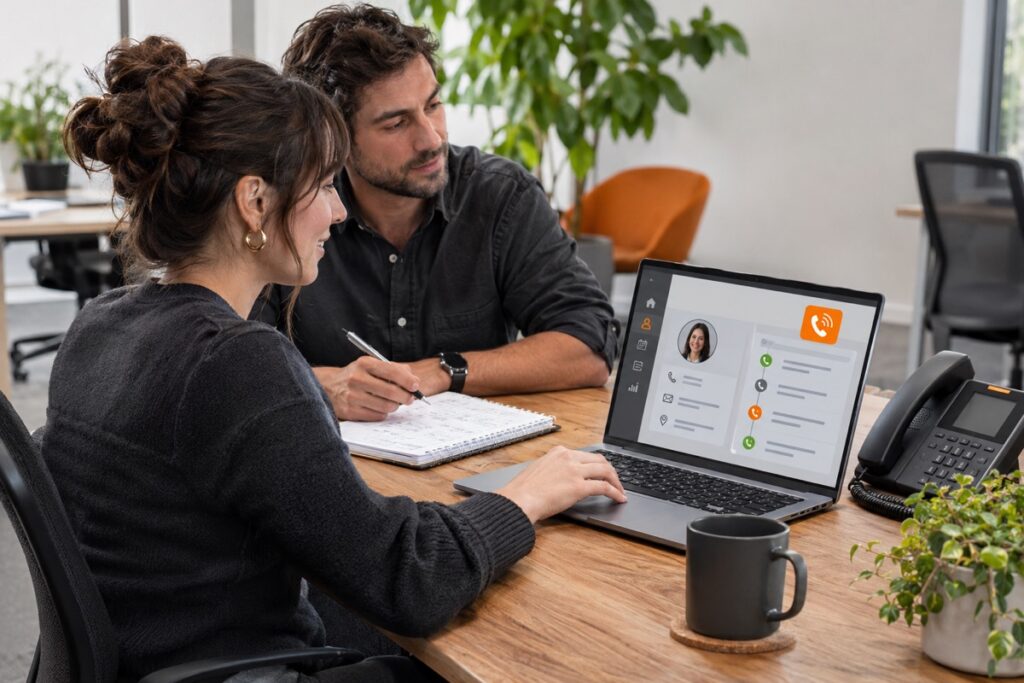
CRM & Telephony Integration Features Designed for Your Team
Available features depend on the telephone platform, CRM application, licensing and service configuration
Automatic Call Logging
Record supported incoming and outgoing call activity against customer records, including available details such as call time, duration and direction.
Click-to-Call
Start supported calls directly from CRM contact records, reducing the need to copy numbers or dial them manually in another application.
Incoming Caller Information
Display a matching customer record when a call arrives, helping employees access relevant contact details and account information before the conversation begins.
Customer Communication History
Bring supported telephone activity into customer records so authorized employees can review previous interactions and prepare for follow-up conversations.
CRM-Based Call Routing
Use supported customer information, such as account ownership, to help direct incoming calls to an appropriate employee or department.
Voicemail & Call Records
Associate supported voicemail details, recording links or transcripts with customer records, subject to platform capabilities and your access and retention requirements.
Sales Activity Tracking
Connect calling activity with sales records to help employees organize outreach and give managers a clearer view of supported follow-up activity.
Customer Service Workflows
Connect supported calls with customer accounts or service records, helping employees find relevant information while handling questions and requests.
AI Receptionist Solutions for New York and New Jersey Businesses
Professional Offices
Medical & Dental Offices
Retail Businesses
Restaurants & Hospitality
Contractors & Service Companies
Multi-Location Businesses
Why Choose ZEF Security for CRM & Telephony Integrations in New York and New Jersey?
Connecting business applications involves more than enabling a feature. Your telephone service, CRM software, network connectivity and employee permissions all affect how the integration should work.
ZEF Security works with commercial customers throughout New York and New Jersey, bringing experience with security, connected technology and integrated systems. That broader perspective helps us consider how communication tools fit into your existing business environment.
We focus on understanding the systems you use and the tasks you want to improve before exploring available options. Whether your priority is simpler calling, more complete customer records or better follow-up, the solution should support the way your team operates.
Your technology should work together so your employees can focus on customers.
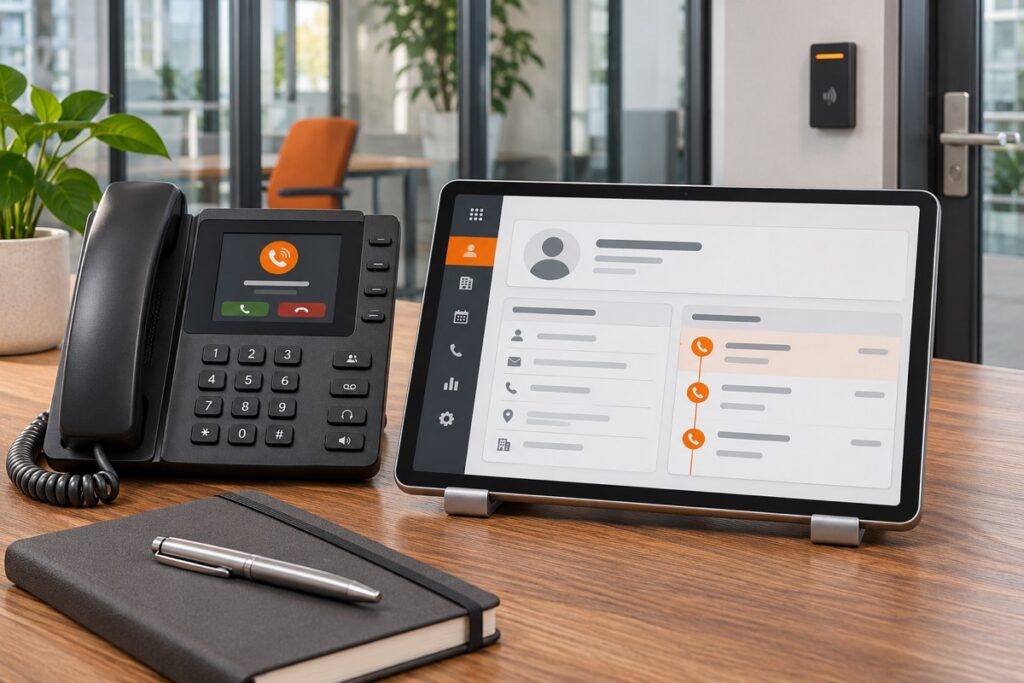
Frequently Asked Questions About CRM & Telephony Integrations
Can I connect my existing phone system to my CRM?
Integration may be possible if your telephone platform and CRM support a compatible connection. Your current software, subscription levels and required features need to be checked before choosing an approach.
Do I need to replace my CRM?
Not necessarily. A compatible integration may allow you to keep your existing CRM. The first step is to evaluate the software you already use and the calling functions you want to add.
Which CRM platforms can be connected?
Depending on the telephone provider, integrations may be available for platforms such as Salesforce, HubSpot, Zoho CRM, Microsoft Dynamics 365, Pipedrive and Zendesk. Exact compatibility and functionality need to be confirmed for your configuration.
Can calls be logged automatically?
Supported integrations can automatically record incoming and outgoing call activity against CRM records. The information captured varies by platform, and employees may still need to add notes or review customer matching.
Can employees call directly from a customer record?
Yes, where click-to-call is supported. Employees can select a telephone number within the CRM and initiate a call through the connected phone service.
Will customer information appear when someone calls?
Supported screen-pop features can display a matching customer record when an incoming number is recognized. What employees can see depends on the integration, record accuracy and access permissions.
What if my CRM does not have a built-in integration?
A third-party connector or custom connection may be an option. Feasibility, development requirements, cost and ongoing maintenance should be evaluated before proceeding.
How much does CRM phone integration cost?
Pricing depends on your phone platform, CRM subscription, number of users and required functions. Additional connector fees or development costs may apply. Contact ZEF Security to discuss your setup and available options.
Bring Your Customer Conversations & Information Together
Help your team spend less time searching for records and manually tracking calls. ZEF Security helps New York and New Jersey businesses explore CRM and telephony connections that support more organized communication and practical everyday workflows.