
Unified Communications & Collaboration Solutions in New York & New Jersey
ZEF Security helps NY & NJ businesses bring calling, messaging, video meetings and collaboration tools into a connected environment. Whether your employees work in one office, remotely or across multiple locations, the right solution can make everyday communication easier to manage.
Bring Your Team’s Conversations Together
Switching between separate calling, messaging and meeting applications can slow your team down. Unified communications connects supported tools so employees can reach coworkers, coordinate responsibilities and keep work moving.
What Is Unified Communications?
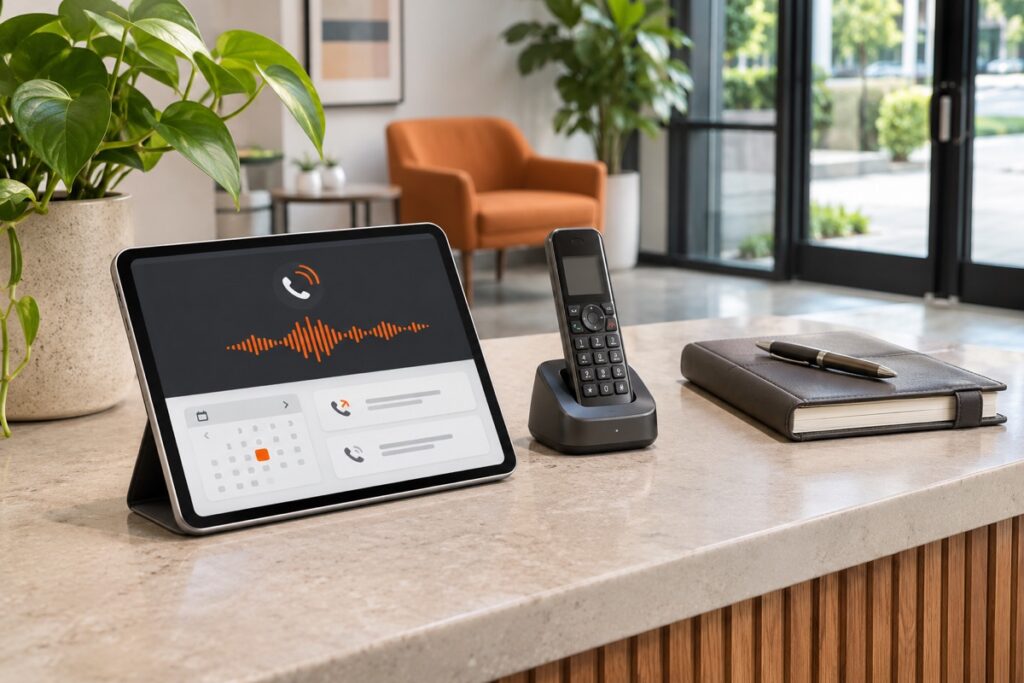
Unified communications brings multiple business communication tools into a connected platform or user experience. Instead of managing every conversation through a separate application, employees can access supported calling, messaging and meeting features through compatible devices.
Cloud-hosted solutions, often called Unified Communications as a Service or UCaaS, provide these capabilities through provider-managed infrastructure.
- Business telephone calling
- Internal messaging and group conversations
- Video meetings and screen sharing
- Employee availability and status
- Desktop and mobile applications
- Shared directories and centralized administration
Unified Communications vs. a Standalone Phone System
A business phone system primarily handles calls, extensions, routing and voicemail. These functions remain essential for speaking with customers and coordinating employees.
Unified communications builds on calling by connecting additional tools, such as internal messaging, video meetings and employee availability. It can help teams move between different types of communication while reducing the number of separate applications and accounts they manage.
Communication Tools Built Around Your Team
Your communication setup should reflect how your employees work. An office-based team may need desk phones and quick internal messaging, while remote employees may rely more on mobile applications, video meetings and shared contact directories.
ZEF Security focuses on understanding your users, locations, existing tools and daily communication needs before identifying appropriate options. This helps determine which features will be useful and which existing applications should remain part of your setup.
Planning also includes compatible devices, network connectivity and employee access. Whether you’re replacing disconnected tools or preparing for another location, the goal is a communication environment your team can use effectively.
Unified Communications Features Designed for Your Business
Available features depend on the selected platform, compatible devices and service configuration.
Business VoIP Calling
Make and receive business calls through supported desk phones and applications, with available features such as extensions, transfers, call forwarding and voicemail.
Team Messaging & Internal Chat
Exchange direct messages and participate in group conversations, helping employees coordinate daily work without starting a separate phone call or meeting.
Video & Audio Meetings
Bring employees, customers and other participants together through supported online meetings and conference calls, whether they work nearby or across different locations.
Screen Sharing & Collaboration
Share supported screens or applications during meetings to review documents, explain processes and collaborate on projects with colleagues.
Employee Availability & Status
See whether coworkers are available, busy or away through supported presence features, helping employees choose an appropriate time and way to connect.
Desktop & Mobile Applications
Access supported business calls, messages and meetings from compatible computers and smartphones, giving authorized employees more flexibility in where they work.
Shared Contacts & Directories
Help employees find coworkers and business contacts through supported shared directories, reducing the need to maintain separate contact lists across devices.
Centralized Administration
Manage supported users, extensions, access permissions and communication settings through a central interface as employees join, change roles or move locations.
Connected Teams Across New York and New Jersey
Professional Offices
Medical & Dental Offices
Retail Businesses
Restaurants & Hospitality
Contractors & Service Companies
Multi-Location Businesses
Why Choose ZEF Security for Unified Communications in New York and New Jersey?
Choosing a communication platform involves more than comparing application features. Your devices, network, business locations and employee workflows all affect how the solution should operate.
ZEF Security works with commercial customers throughout New York and New Jersey, bringing experience with security, connected technology and integrated systems. That broader perspective helps us consider how calling, messaging and collaboration tools fit into your existing business environment.
We focus on understanding your current setup and the improvements your team needs before exploring available options. Whether you’re connecting remote employees or bringing multiple offices together, the solution should support the way your business works.
Give your team communication tools that work together and fit their everyday needs.
Frequently Asked Questions About Unified Communications
What is the difference between unified communications and VoIP?
VoIP enables telephone calls over IP networks. Unified communications is broader, combining supported calling features with tools such as team messaging, video meetings and employee availability.
What does UCaaS mean?
UCaaS stands for Unified Communications as a Service. It describes cloud-hosted communication tools accessed through compatible devices and applications, typically through a subscription.
Can we keep our existing phone numbers and equipment?
Existing numbers and devices may be usable, depending on the provider and platform. Number-transfer options, desk phone compatibility and other equipment requirements should be checked before migration.
Can remote employees and multiple offices use the same system?
Supported cloud platforms can connect authorized employees across different locations. Each employee needs appropriate access, compatible devices and suitable internet connectivity.
Do employees need physical desk phones?
Not always. Supported desktop and mobile applications can provide software-based calling. Desk phones may still be useful for reception areas, shared workspaces and employees who prefer a dedicated device.
Can unified communications work with our existing business software?
Some platforms support connections with CRM applications and other communication tools. Compatibility, licensing and the specific functions you need should be confirmed before selecting a solution.
What happens if our internet connection goes down?
Cloud-based calling and meetings may be interrupted. Supported mobile applications, backup internet connections or alternate call routing may provide other ways to communicate, depending on your configuration.
How much does unified communications cost?
Pricing depends on user count, selected features, equipment, integrations and service requirements. Contact ZEF Security to discuss your current setup and available options.
Better Communication Starts With Bringing Your Team Together
Make it easier for employees to call, message and collaborate across your business. ZEF Security helps New York and New Jersey companies explore unified communications solutions that fit their teams, locations and everyday workflows.